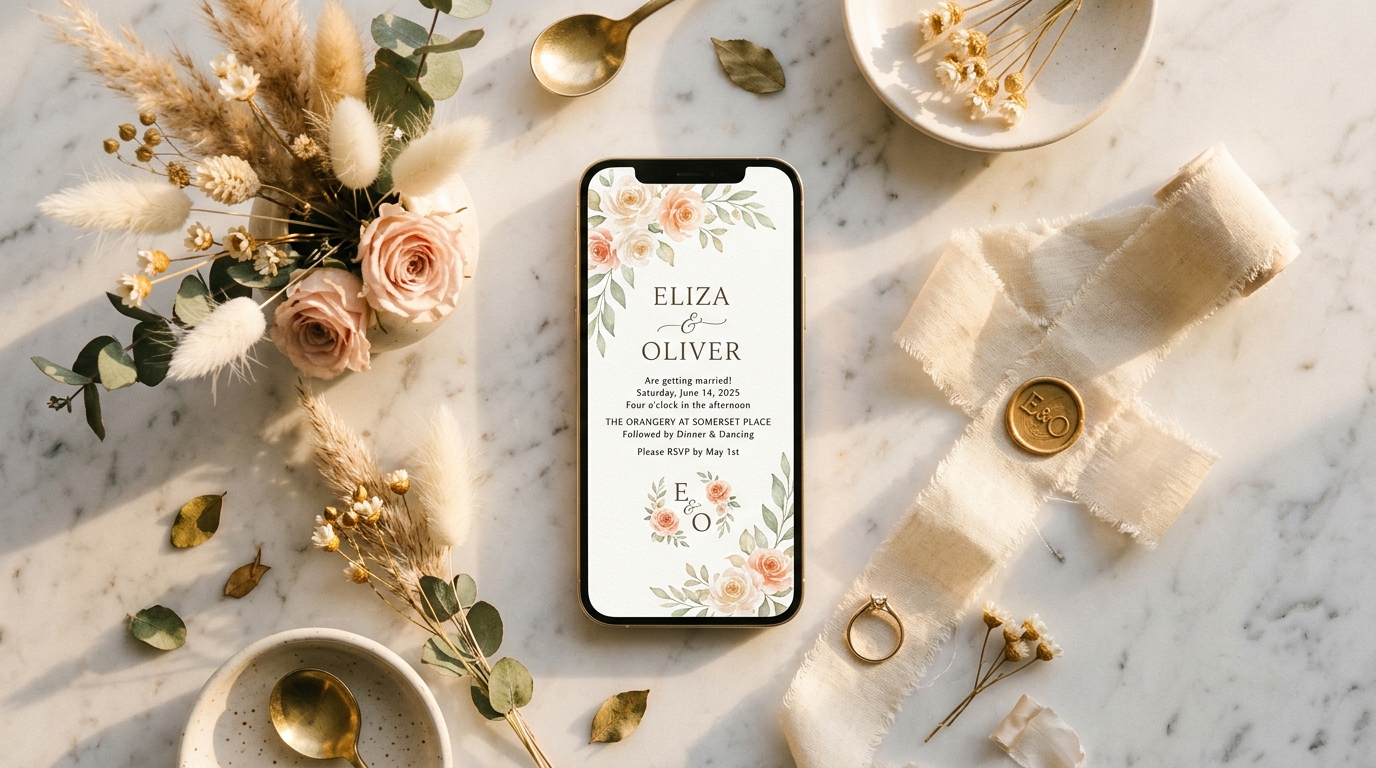
Everything You Need to Know About Digital Wedding Invitations
Digital wedding invitations are beautifully designed, shareable cards sent via link, email, or message — giving couples a modern alternative to traditional paper stationery without sacrificing elegance or personalization.
Across the US, couples are making the switch: digital invitations arrive instantly, cost a fraction of the price, and cut weeks of postage and printing delays — all while looking stunning on any device.
A great digital invite includes far more than just a design — it comes with an integrated RSVP link, real-time guest tracking, meal preference collection, and easy updates if plans change.
This guide walks you through how online invitations work, how leading platforms compare, what features to look for, and how to send your first digital suite with confidence.
Six Steps to Your Perfect Digital Invitation
From choosing the right platform to watching RSVPs roll in, this step-by-step guide walks you through everything you need to know — clearly and practically.
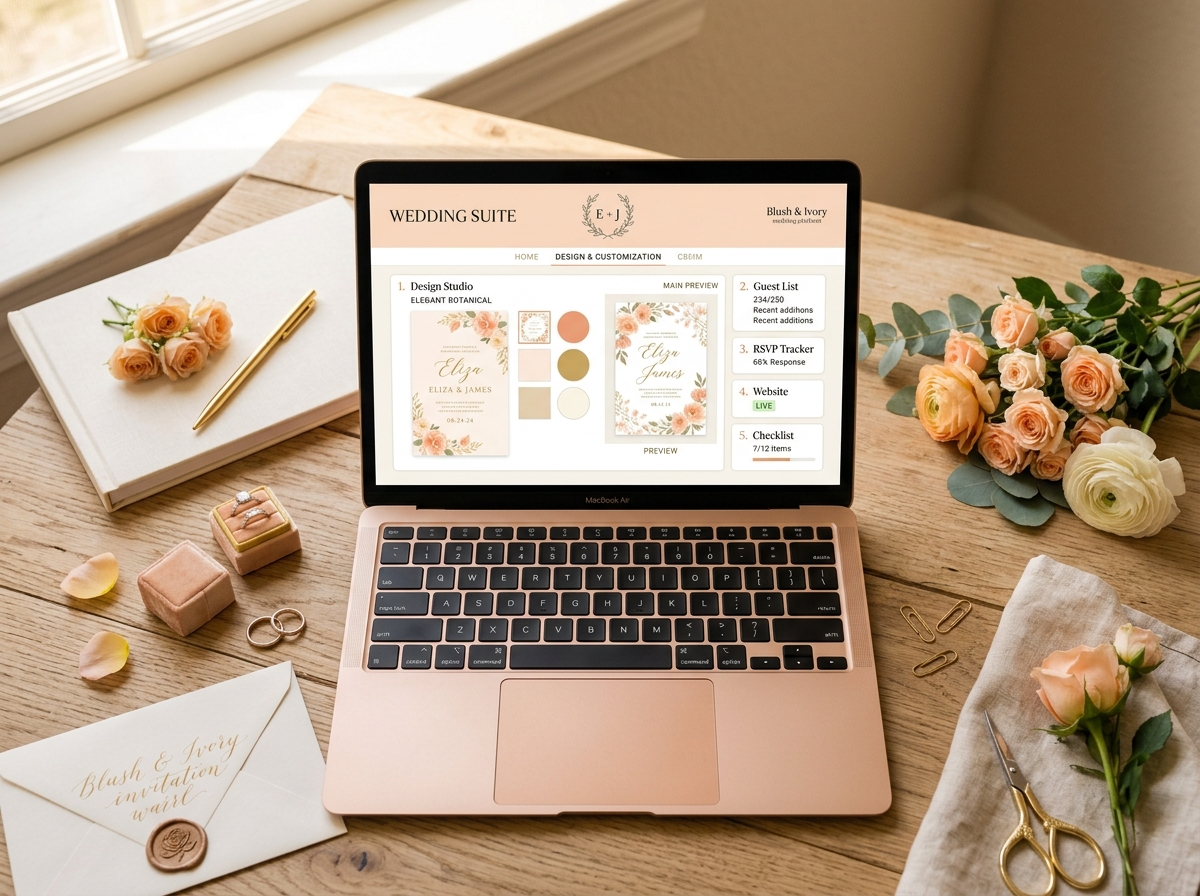
Choose an Invitation Platform
The US market offers several excellent digital invitation platforms, each with distinct strengths. Zola and The Knot are full wedding-suite tools that pair invitations with your wedding website and registry, making them ideal if you want everything in one place. Paperless Post offers the most design-forward experience with animated envelope reveals and premium card stock options if you also want physical prints. Joy stands out for its free RSVP tracking and meal-selection features, while Minted bridges the gap between digital and physical with museum-quality printing. Consider your guest list size, your design sensibility, and whether you need add-ons like hotel room blocks or registry integration before committing to a platform.
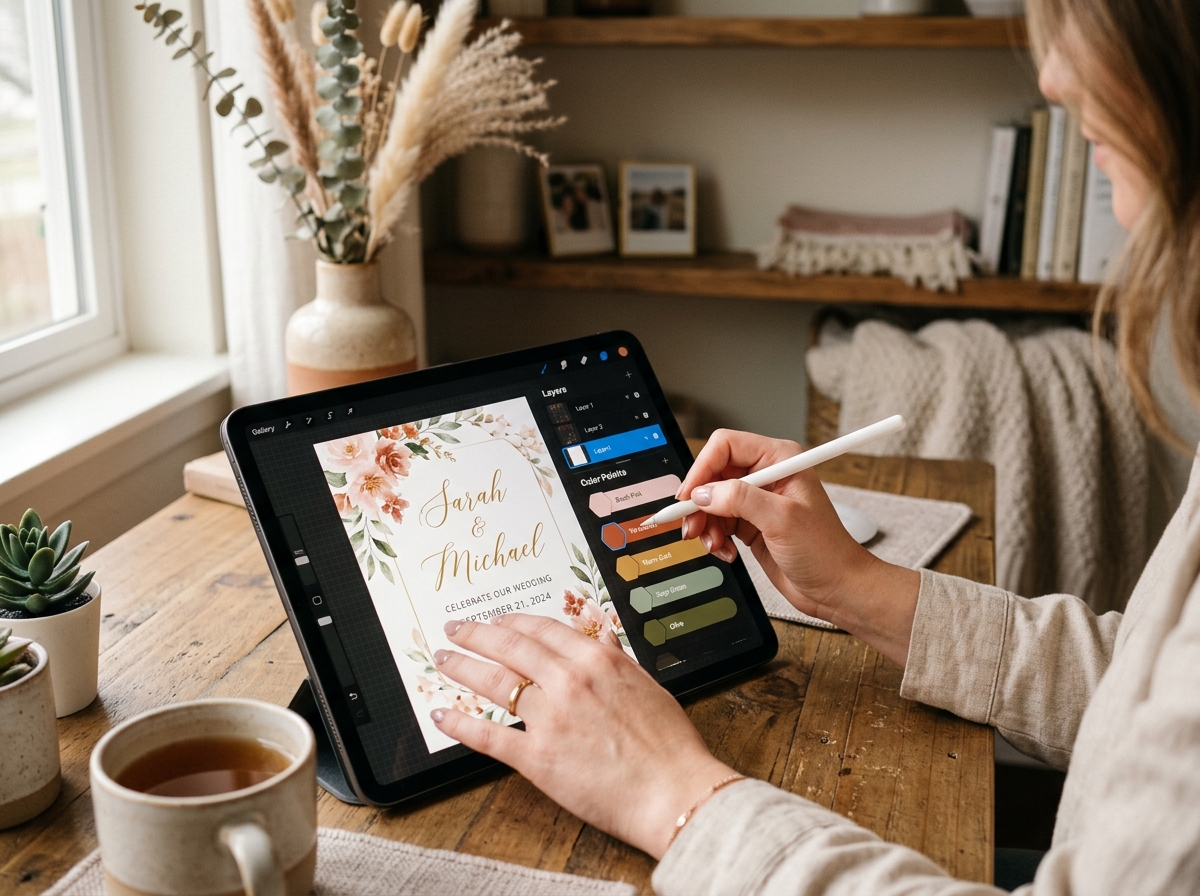
Select and Customize Your Design
Once you've chosen a platform, browse templates filtered by style — romantic, modern, botanical, minimalist — and season. Most platforms let you swap fonts between serif and script pairings; for a refined look, try pairing a Playfair-style headline with a clean sans-serif body font. Upload your engagement photo or a custom motif, then adjust the color palette to match your wedding palette exactly using hex codes. Preview your design across devices before finalizing — what looks stunning on desktop should be equally beautiful on a 375px mobile screen, since most guests will open it on their phone.
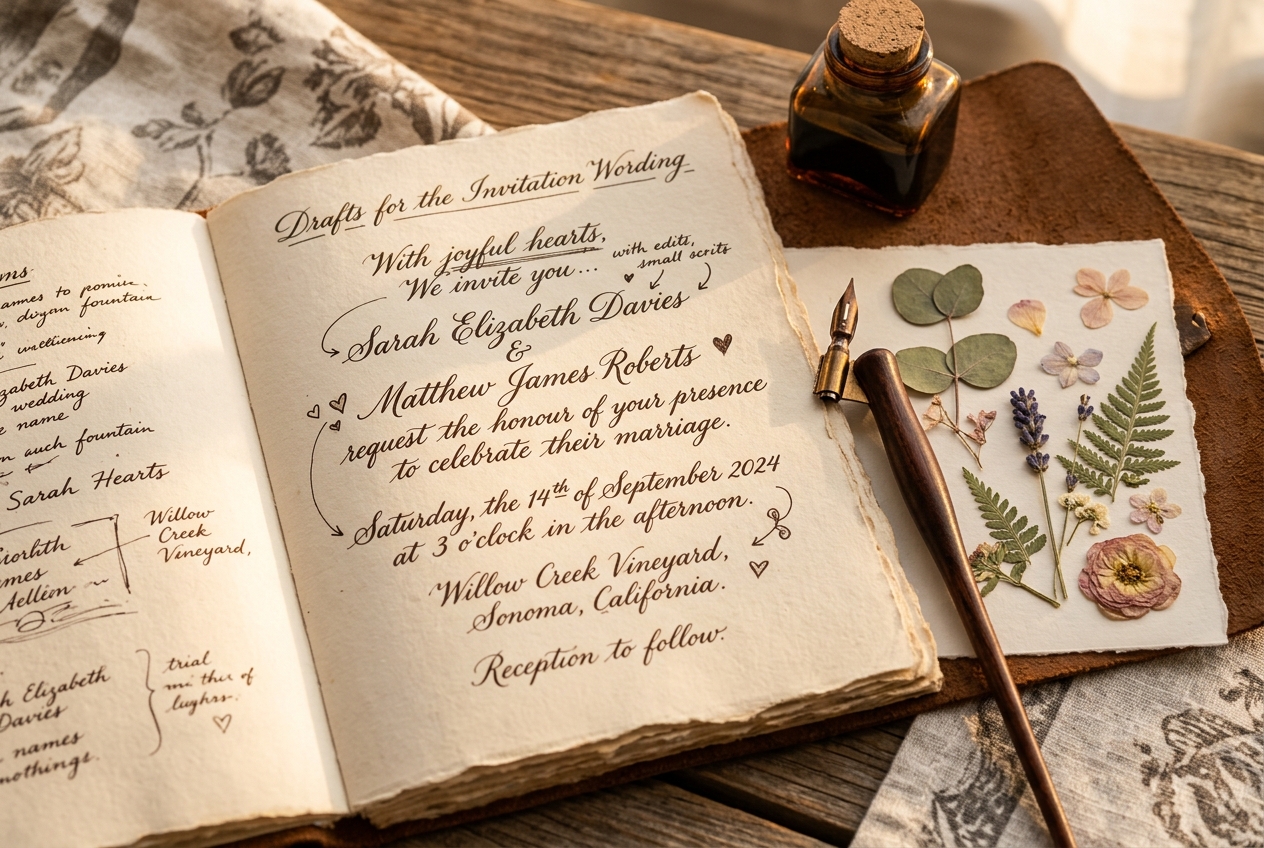
Write Your Invitation Wording
The wording of your invitation sets the tone for the entire event — formal language signals a black-tie affair while relaxed phrasing suits a garden party or destination wedding. For a traditional formal invitation, use third person: 'Mr. and Mrs. James Hartwell request the honour of your presence at the marriage of their daughter...' For a modern casual tone, first person works beautifully: 'Together with our families, Emma & Luca invite you to celebrate with us...' Always include the full date spelled out (Saturday, the fourteenth of June), the ceremony time, venue name and full address, dress code, and your wedding website URL. Most platforms offer built-in wording templates you can edit directly in a live preview.
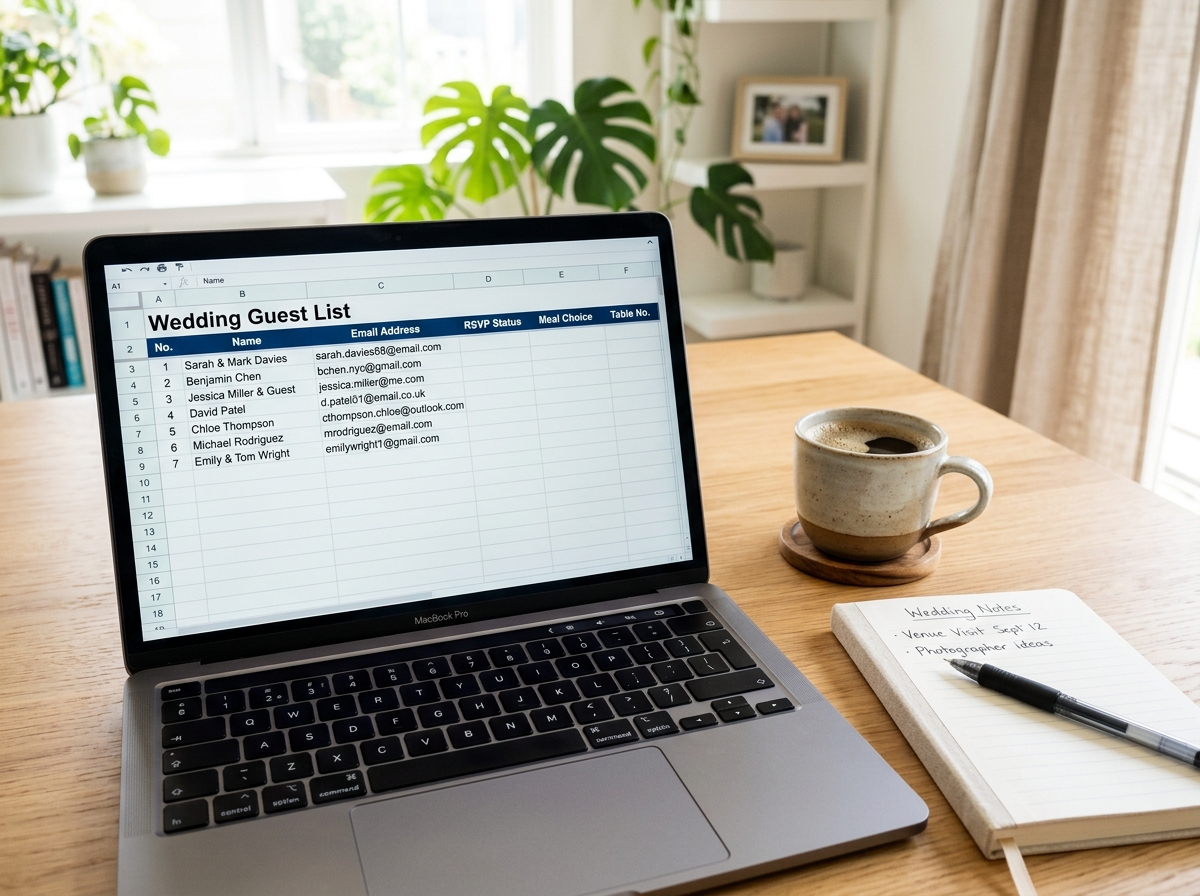
Build Your Digital Guest List
A well-organized guest list is the engine behind a smooth invitation send. Start by exporting your contacts from your phone as a CSV file — most platforms accept standard spreadsheet columns for first name, last name, email, and phone number. Group guests into households or families so couples and families receive a single invitation rather than duplicates. Platforms like Joy and Zola let you tag guests by side (bride's family, groom's friends, colleagues) so you can send custom messages to each group. Double-check email addresses carefully — a single typo means a guest misses your invitation entirely, and re-sends can feel awkward.
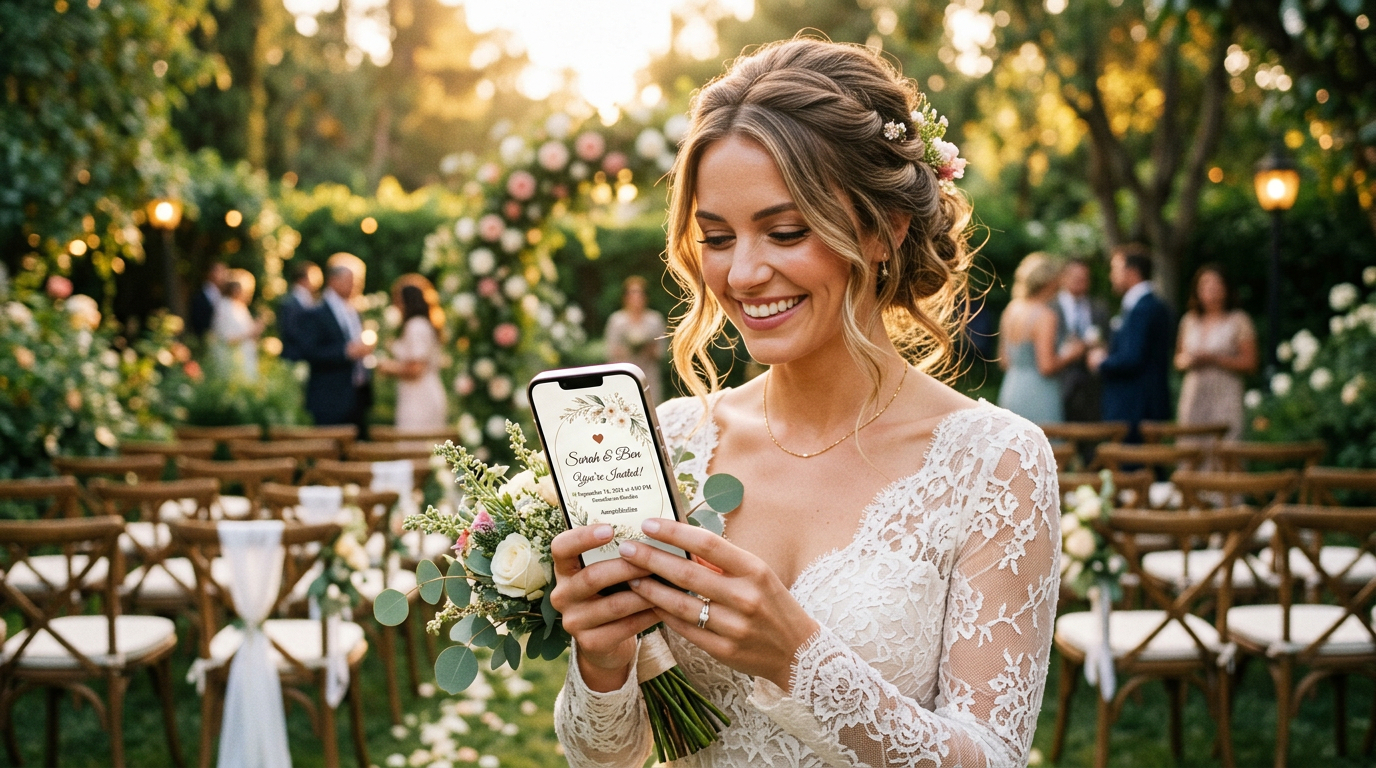
Send via Email, Text Message, or Personal Wedding URL
Digital invitations can be delivered in three distinct ways, and many couples use all three simultaneously. Email delivery is the most formal channel — the invitation arrives in an envelope-style animation and guests click to open, just like unsealing a physical card. SMS delivery has the highest open rate (over 98{8a88ae6ed1bf5be747d827a4bf7afaaaac88fe16757fa1c3228c4d689222c78d} within three minutes), making it ideal for ensuring older relatives or less tech-savvy guests actually see it. Your personal wedding URL (e.g., emma-and-luca.zola.com) acts as a hub guests can revisit anytime to check details, update their RSVP, or find your registry. Schedule your send-out six to eight weeks before the wedding date, and plan a follow-up reminder two weeks out for non-responders.
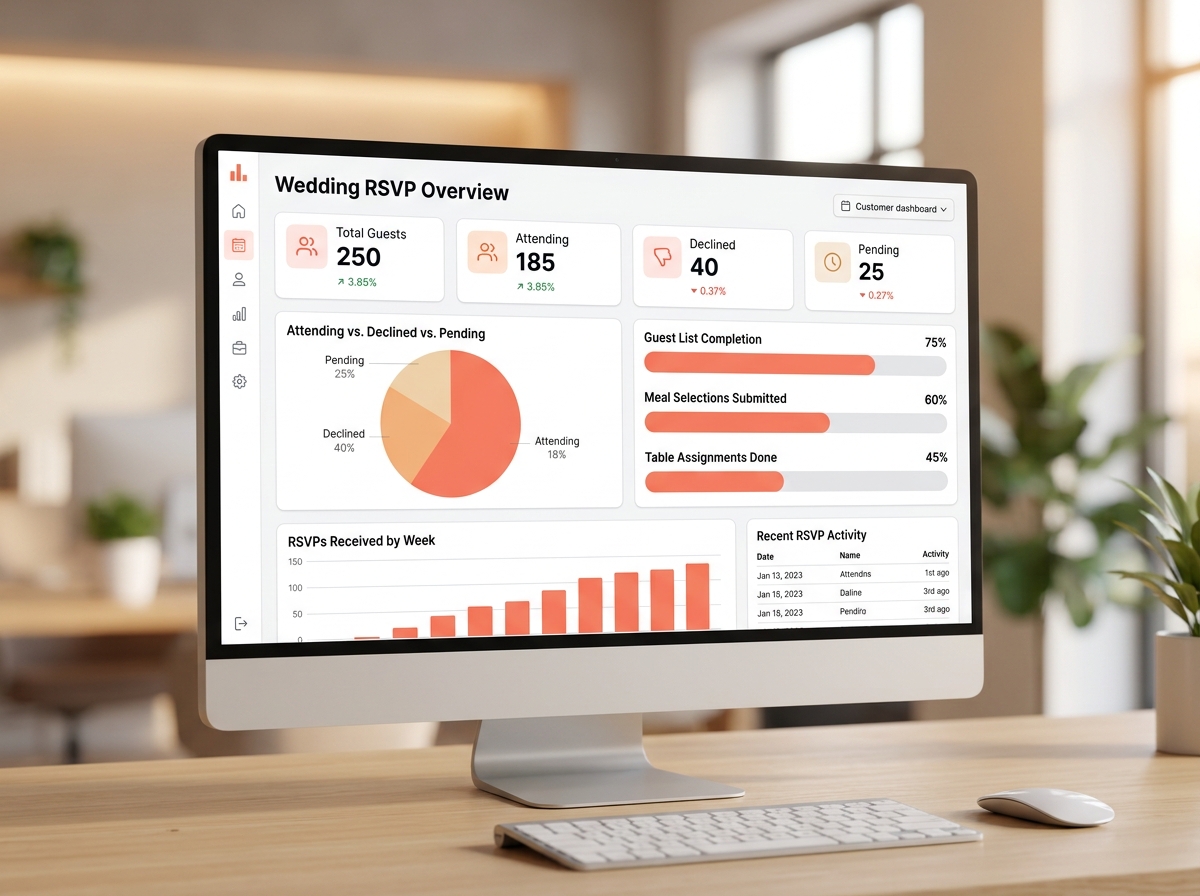
Monitor Delivery, Open Rates & RSVPs in Real Time
One of the biggest advantages of digital invitations over paper is the analytics dashboard — you can see exactly who opened your invitation, when they opened it, and whether they've responded. Most platforms display delivery status (sent, delivered, bounced), open rate percentages, and a live RSVP tally broken into Attending, Declining, and Awaiting Response columns. Set up email notifications so you're alerted the moment a guest RSVPs, and use the built-in messaging tool to send gentle nudges to non-responders without revealing their names publicly. Export your final RSVP list as a CSV to share with your caterer and venue coordinator — it'll include meal choices if you added that field to your form.
Ready to compare your platform options side by side?
See how Zola, The Knot, Joy, Paperless Post and Minted stack up across pricing, features, and ease of use.
Top 5 Digital Invitation Platforms Compared
We evaluated the leading US platforms across five practical criteria to help you choose with confidence. Click any row to read the full review.
| Platform | Free Tier | RSVP Tracking | Custom Domain | Guest Messaging | Price Range | Full Review |
|---|---|---|---|---|---|---|
ZolaEditor's Pick All-in-one wedding platform | Free – $19/mo | |||||
The Knot America's most trusted wedding brand | Free – $14/mo | |||||
Paperless PostBest Design Design-forward digital cards & invitations | $0.50–$3 per card | |||||
Minted Artist-designed invitations, print & digital | $1.29–$4+ per invite | |||||
JoyBest for Tech-Forward Couples Modern wedding app & smart invitations | Free – $16/mo |
Editorial independence: This comparison is based on independent research conducted by the weddding editorial team. No platform paid for placement, and rankings are not influenced by commercial relationships. Pricing and features are accurate as of May 2025 and subject to change — always verify directly with each platform before purchasing.
Plan your perfect day — digitally. Thoughtful guides, beautiful online invitations, and every tool you need for a wedding you'll always remember.
Quick Links
Legal
weddding is an editorial wedding planning resource. All content is for informational purposes only. We do not provide licensed planning, legal, or financial services.
© 2026 weddding. All rights reserved.